Super Admin
Own the network
- All-stores overview & switcher
- Full reporting suite
- Sales, tax, payments, discounts
- Top products & register calendar
- Login session audit trail
- System settings & terminals
Cephre
Automotive POS · Multi-store · Subscription
Cephre is purpose-built for automotive retailers — part numbers, cross-refs, purchase orders, customer ledgers, and Super Admin reports across every outlet.
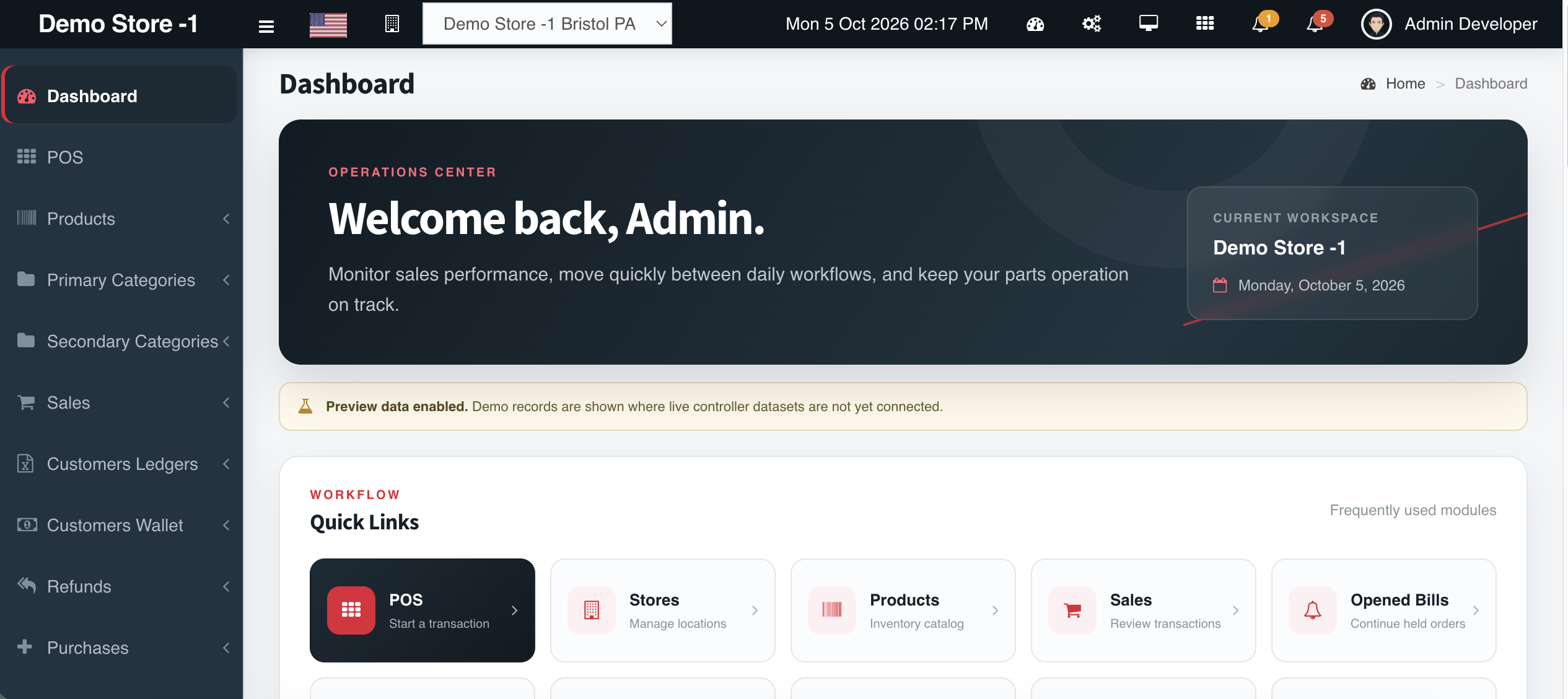
Access model
Reports, cross-store visibility, and system controls stay with Super Admin. Day-to-day POS, inventory, ledgers, and purchasing live at store level.
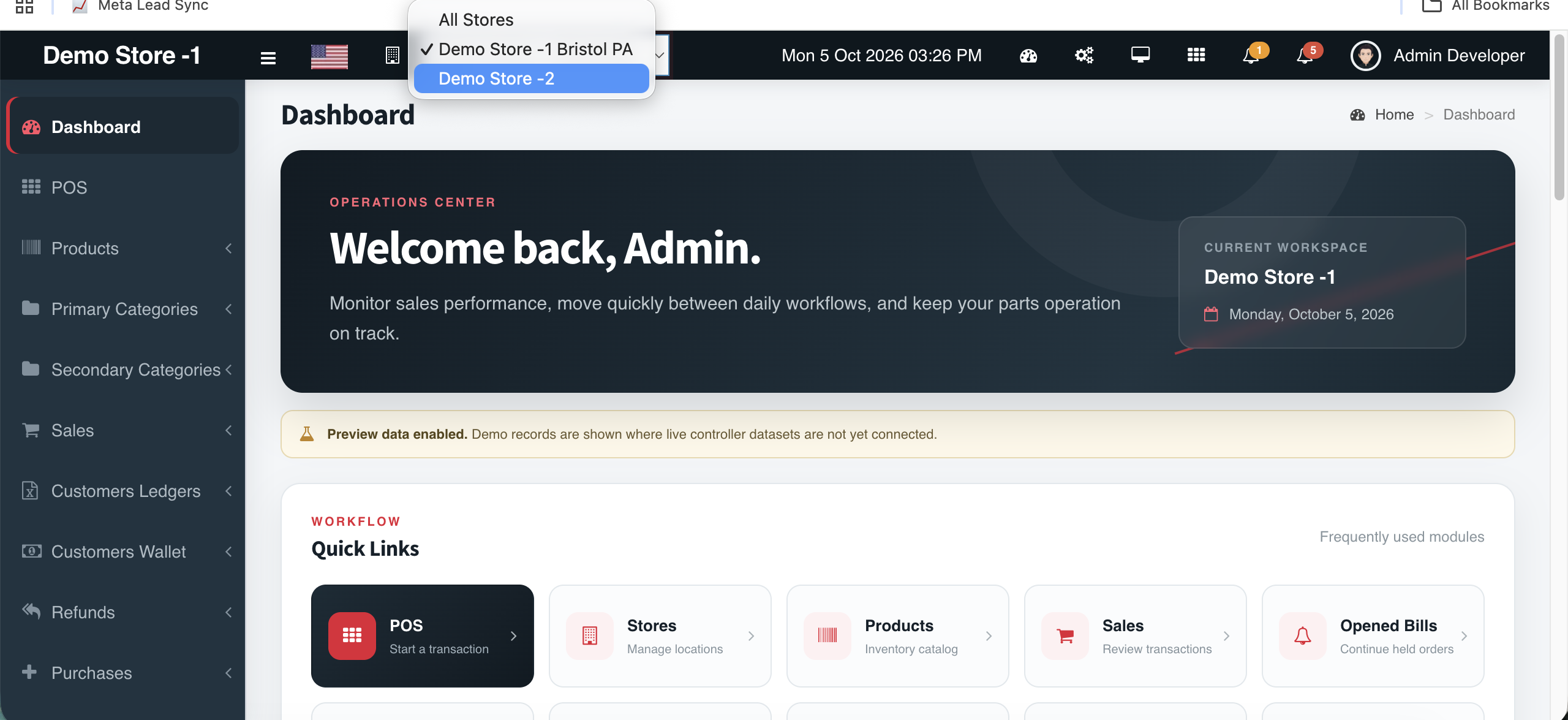
Multi-outlet
Add stores as you grow. Switch locations instantly, keep stock by Store ID, and roll up performance when you need the full picture.
Product tour
From the counter to procurement to month-end — each module below is what your team will use daily.
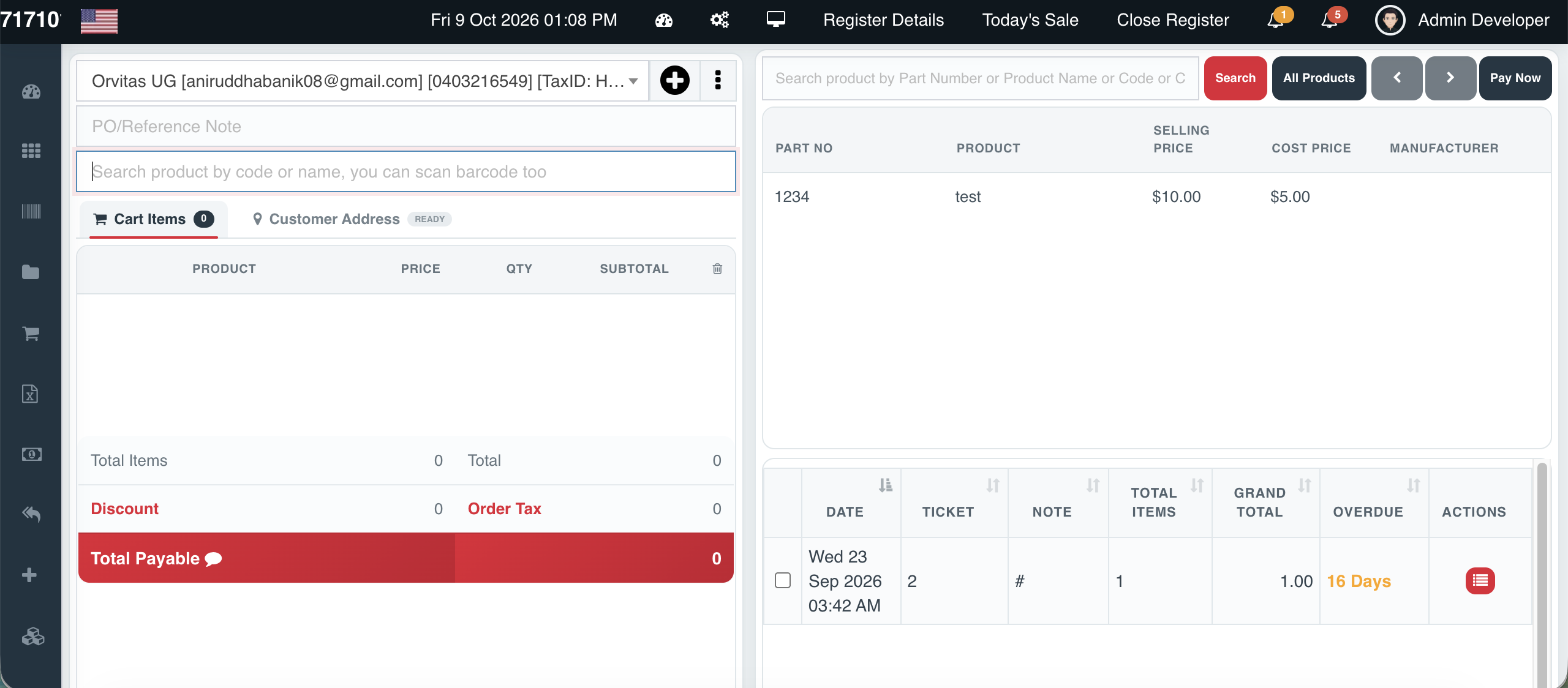
Counter-speed selling with part-number search
Cephre’s POS is built for automotive counters where staff think in part numbers, manufacturers, and cross references — not vague product names.
Add a customer mid-sale, park a ticket on Hold, cancel cleanly, and move to Payment with totals, discounts, and tax already calculated. Gift cards can be sold from the same register without leaving the sale flow.
The right-hand product panel keeps Part No, selling price, and manufacturer visible so counter staff confirm the correct SKU before it hits the cart.
Every field automotive inventory actually needs
When you add a product in Cephre, you are not filling a toy inventory form. The record is shaped for parts retail:
• Supplier and Brand
• Part No (primary identifier on the counter)
• Product name and product details
• Primary and secondary categories
• Purchase price and selling price
• Quantity / opening stock
• Code and Cross Reference for interchange
That structure feeds POS search, purchase orders, stock CSVs, and reports — so catalog quality becomes operational speed.
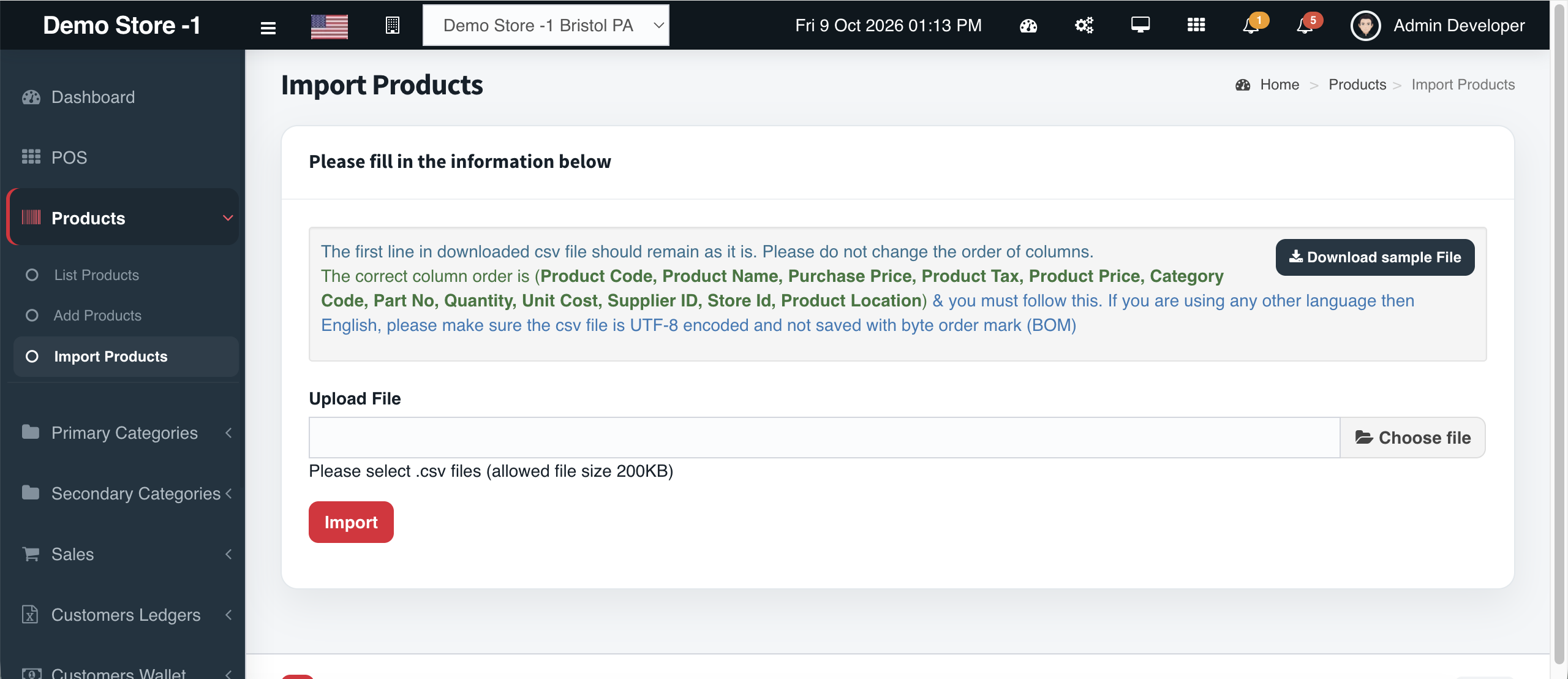
One-click catalog load from CSV
Bulk onboarding should not mean weeks of typing. Cephre’s product import accepts a structured CSV with the column order your operations team expects:
Supplier, Brand, Part No, Product Name, Primary Category, Secondary Category, Purchase Price, Quantity, Selling Price, Product Details, Code, Cross Reference.
Download the sample file, keep the header row intact, save as UTF-8 (no BOM), and import. Use the same pathway when a vendor drops a new line card.
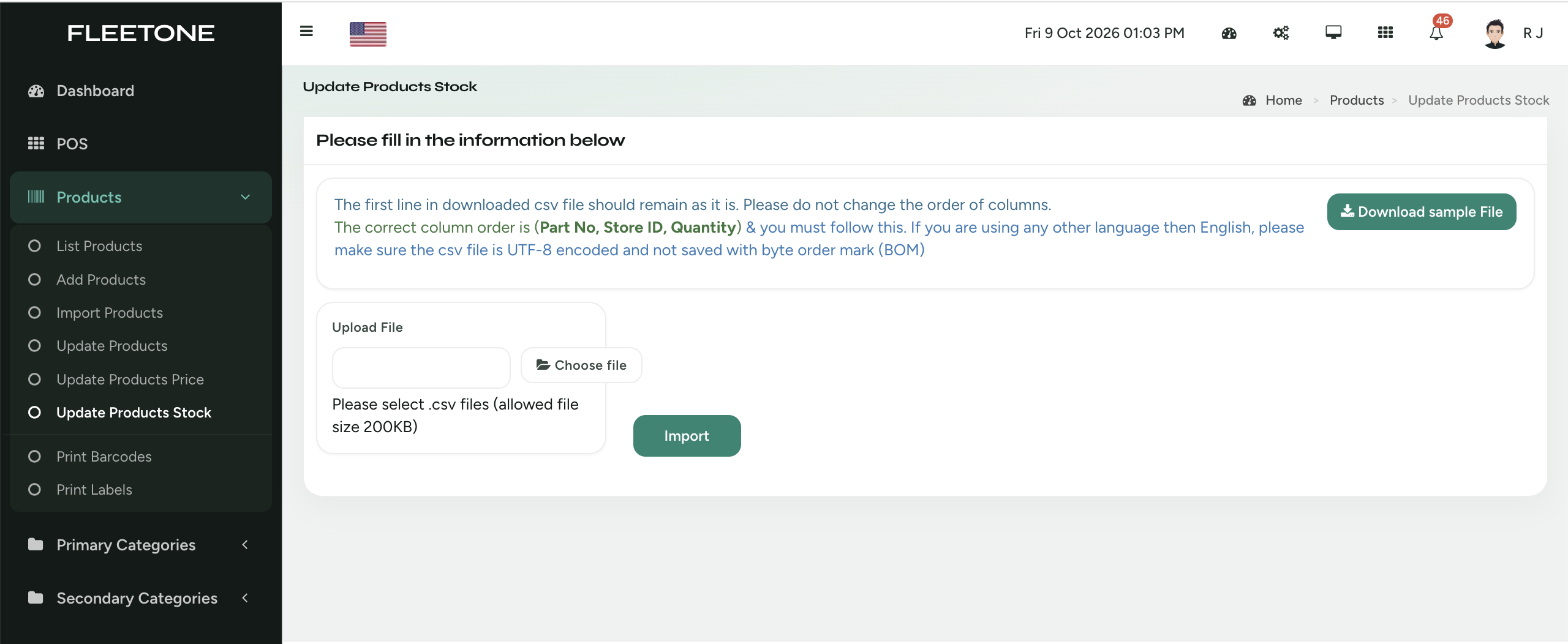
Part No + Store ID + Quantity
Cephre’s stock update CSV is deliberately narrow: Part No, Store ID, Quantity. That keeps cycle counts and receiving adjustments precise in multi-outlet networks.
Super Admins can work from All Stores; store teams stay scoped to their location. Sample file download, UTF-8 guidance, and size limits keep imports predictable.
Build POs from part selection and send to suppliers
Purchasing in Cephre starts with the supplier, then lines are added by Part No or product name — the same identifiers your shelf and POS use.
Set PO date, expected delivery, shipping method, vendor promo codes, and references. Mark drop-ship orders when product should bypass your floor. Save drafts, edit, print, or delete before the order is firm.
The goal: the products you select become a vendor-ready purchase order without retyping catalogs into email.
Balances, invoices, payments — exportable
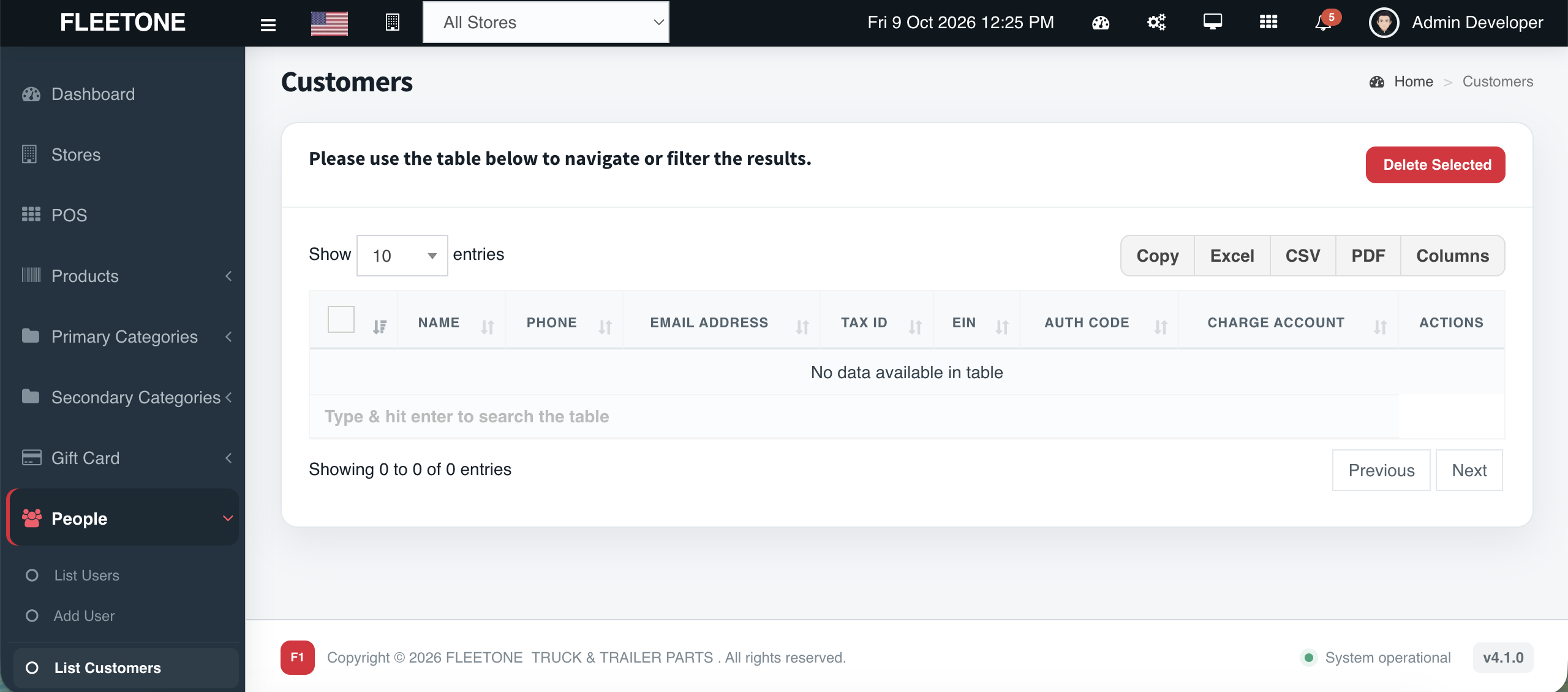
Fleet accounts live on terms. Cephre Customer Ledgers show ID, company, grand total, invoice counts, payments, current balance, and last payment — then drill into a single account’s paid/unpaid invoice boards.
Colored summary cards surface total billed, paid, and unpaid so collections conversations start with facts. Export Copy / Excel / CSV / PDF when accounting needs a file.
Assign credit — auto-lock purchasing when limits breach
Giving credit closes fleet deals — unmanaged credit creates write-offs. Cephre lets you assign credit to customer accounts and enforce it: when balances breach the configured limit, purchasing for that customer auto-locks until payment or an authorized override path clears the hold.
Pair credit with ledgers so sales, AR, and ownership share one risk picture.
Super Admin–only visibility across the network
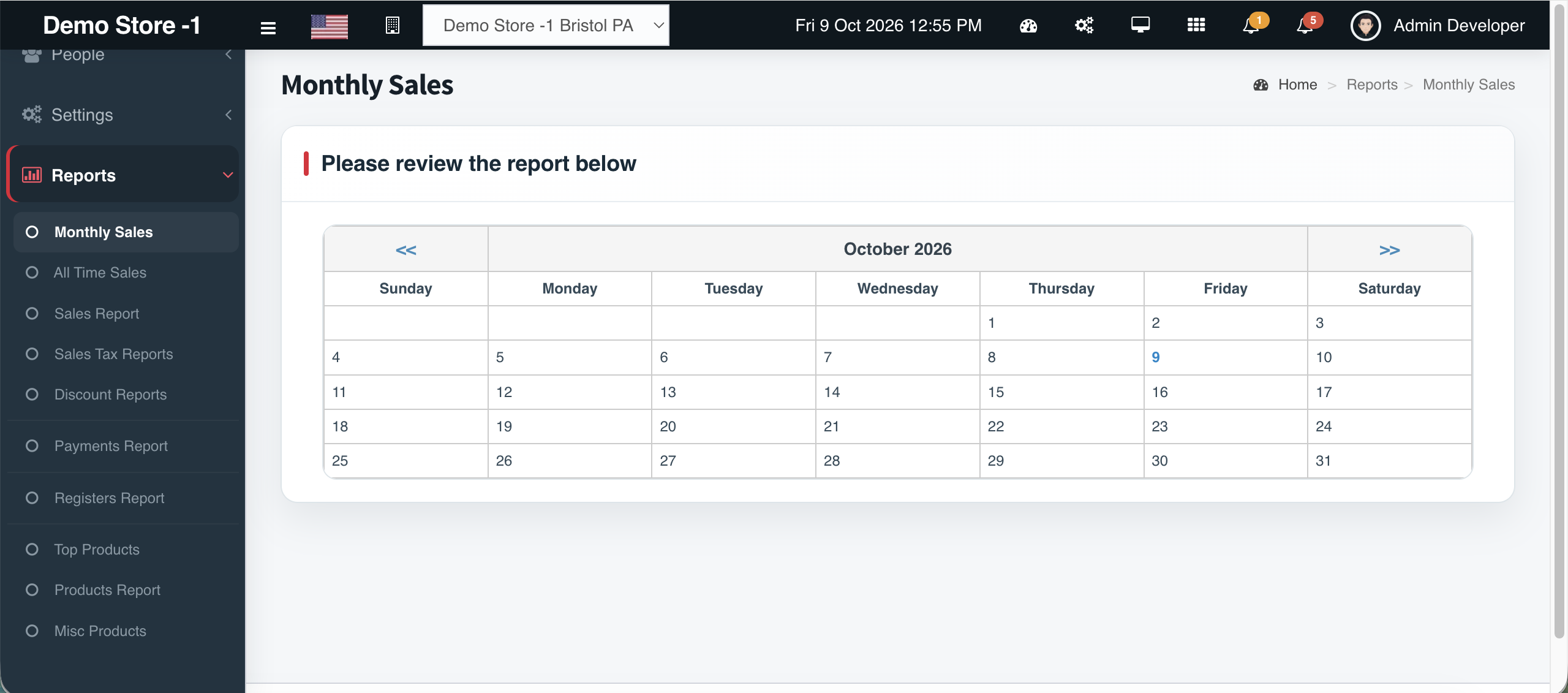
Store Admins run the floor. Super Admins see the business. Cephre’s reporting suite is reserved for Super Admin so sensitive performance and security data is not casually available at every terminal.
From one Reports menu you reach Monthly Sales, All Time Sales, Sales Report, Sales Tax Reports, Discount Reports, Payments Report, Top Products, Products Report, Misc Products, Registers Calendar, Registers Report, and Login Sessions Report — with export tools on tabular views.
Use the dedicated Reports hub on this site to jump into each report type’s landing page.
Add outlets, switch context, roll up performance
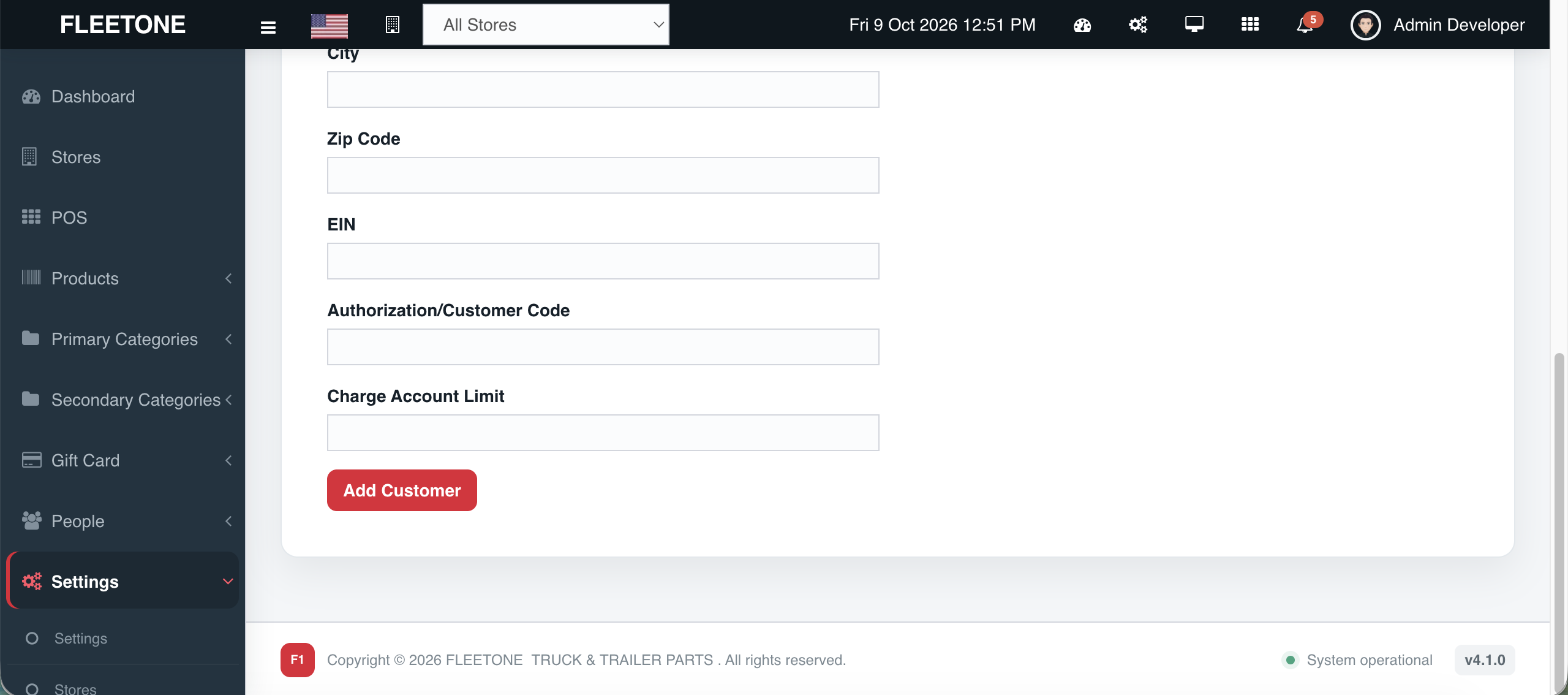
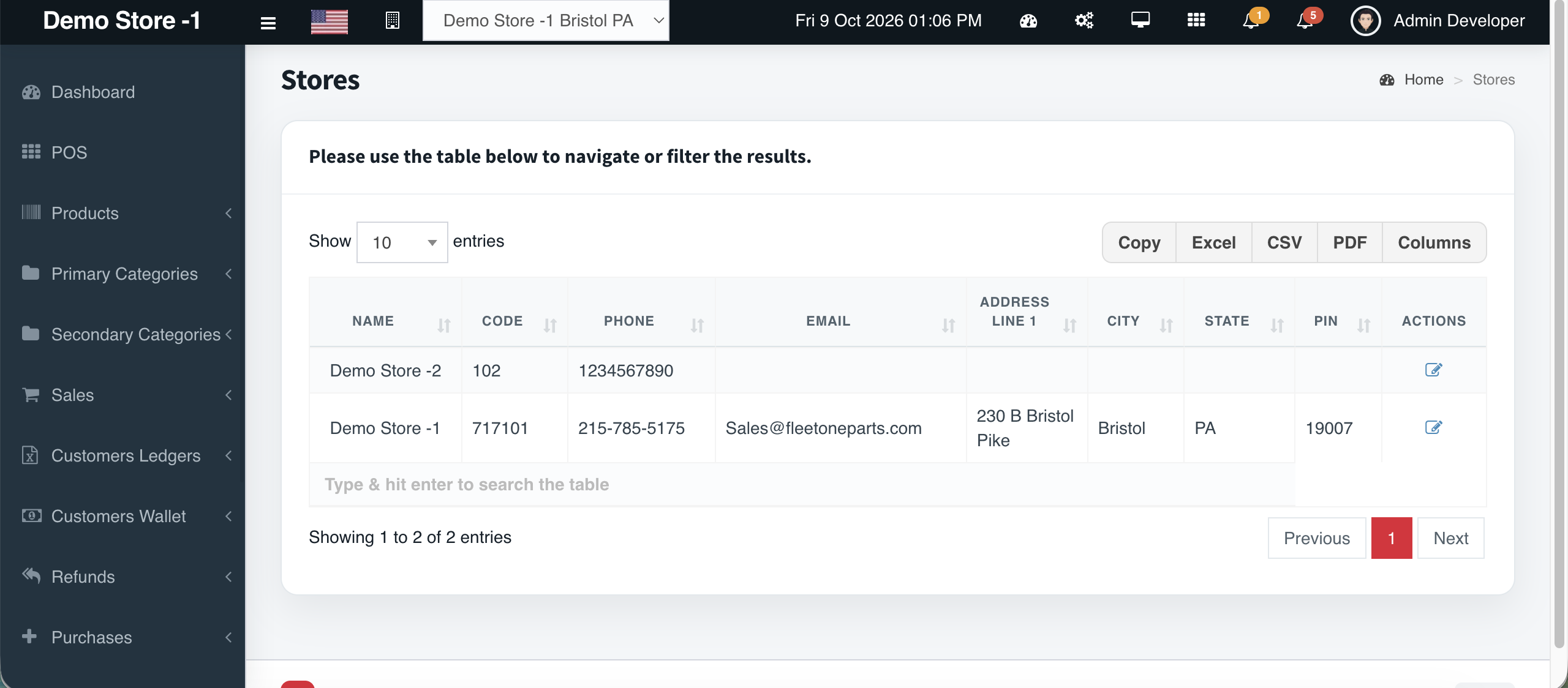
Cephre is multi-outlet by design. Add stores from Settings, switch the header selector between a single location and All Stores, and keep stock files keyed by Store ID.
Subscription packages scale by store count so software limits match your real footprint.
Subscription
Choose by Super Admin seats, store Admins, and outlets. Upgrade when you open the next location.
Single-outlet parts counters ready to go live.
Per month · billed annually
Multi-outlet teams with Super Admin reporting.
Per month · billed annually
Regional chains that need headroom on users and outlets.
Per month · custom SLA available
Get started
Tell us how many stores and users you need. We will map the right package and walk you through a live demo.
FAQ
Store Admins run POS, inventory, ledgers, purchases, and day-to-day operations for their location. Super Admins additionally unlock cross-store views and the full reporting suite.
Yes. Add stores as you expand, keep stock per Store ID, and switch locations from the header. Packages scale by outlet count.
Yes — part numbers, manufacturers, cross references, bulk CSV stock updates, and supplier purchase orders are first-class.
Pick a package based on Super Admin seats, store Admins, and stores. Upgrade when your team or footprint grows.